
5 replies
Sign in or join Beachball Help to reply.
- 0
seanfromllanelli ·
Imported from the Apple Support Forums via the Wayback Machine 🔗
Use Bluetooth accessories with Apple Watch
Learn how to pair Bluetooth headphones, heart rate monitors, and more with your Apple Watch.
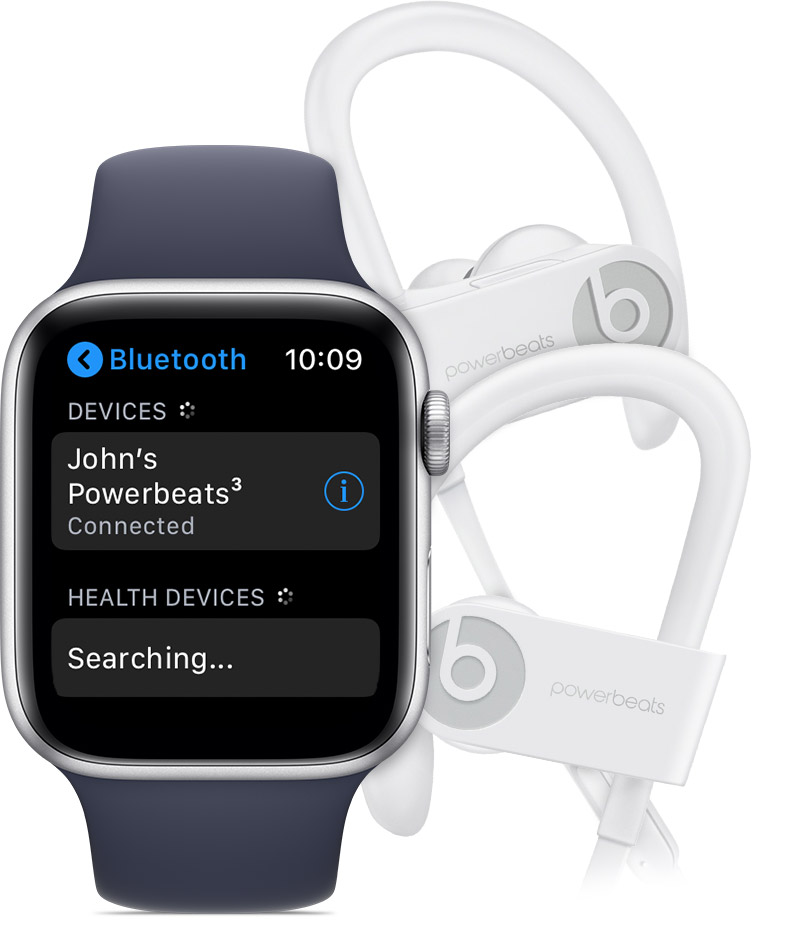
Pair your Bluetooth accessory
- Put your Bluetooth accessory in pairing mode using the instructions that came with it.
- On your Apple Watch, tap Settings > Bluetooth. Your Apple Watch will search for nearby Bluetooth accessories.
- Choose your Bluetooth accessory.
- If asked, enter a passkey or PIN.


Unpair your Bluetooth accessory
- Tap Settings > Bluetooth on your Apple Watch.
- Tap
 next to your accessory.
- Tap Forget Device.
Connect to your AirPods
When you set up AirPods with your iPhone, they're simultaneously connected to both your Apple Watch and iPhone, and they play sound automatically from either device. Learn how to set up AirPods and how to play music on your Apple Watch.
Get help
If you can’t connect your Bluetooth accessory or it won’t reconnect:
- If you see
 on your watch face, Airplane Mode is on. On your Apple Watch, tap Settings > Airplane Mode, then turn it off.
- Make sure your accessory is fully charged and powered on.
- If you see the accessory in Settings > Bluetooth on Apple Watch, but you can’t connect, use the steps above to unpair the accessory.
- Try to pair the accessory again.
If you need help connecting or using a Bluetooth accessory with your Apple Watch, contact the manufacturer.
- 0
BobHarris ·
Imported from the Apple Support Forums via the Wayback Machine 🔗
If your Airpods are not automatically paired from your iPhone, you can press the small oval button on the back of the Airpod case to put your Airpods into pairing mode (the Airpods need to be in the case when you do this, and the case lid should be open).
- 0
- 0
- 0
seanfromllanelli ·
Imported from the Apple Support Forums via the Wayback Machine 🔗
You can listen to music, podcasts. Audio books from audible. If you have your phone near you can make and receive calls and dictate messages. Ta