Imported from the Apple Support Forums via the Wayback Machine 🔗
Hello to all,
I'm trying to migrate a 64Gb Time machine backup from a USB attached SSD drive to a freshly formatted, freshly installed, 500Gb SSD APFS formatted MacMini .
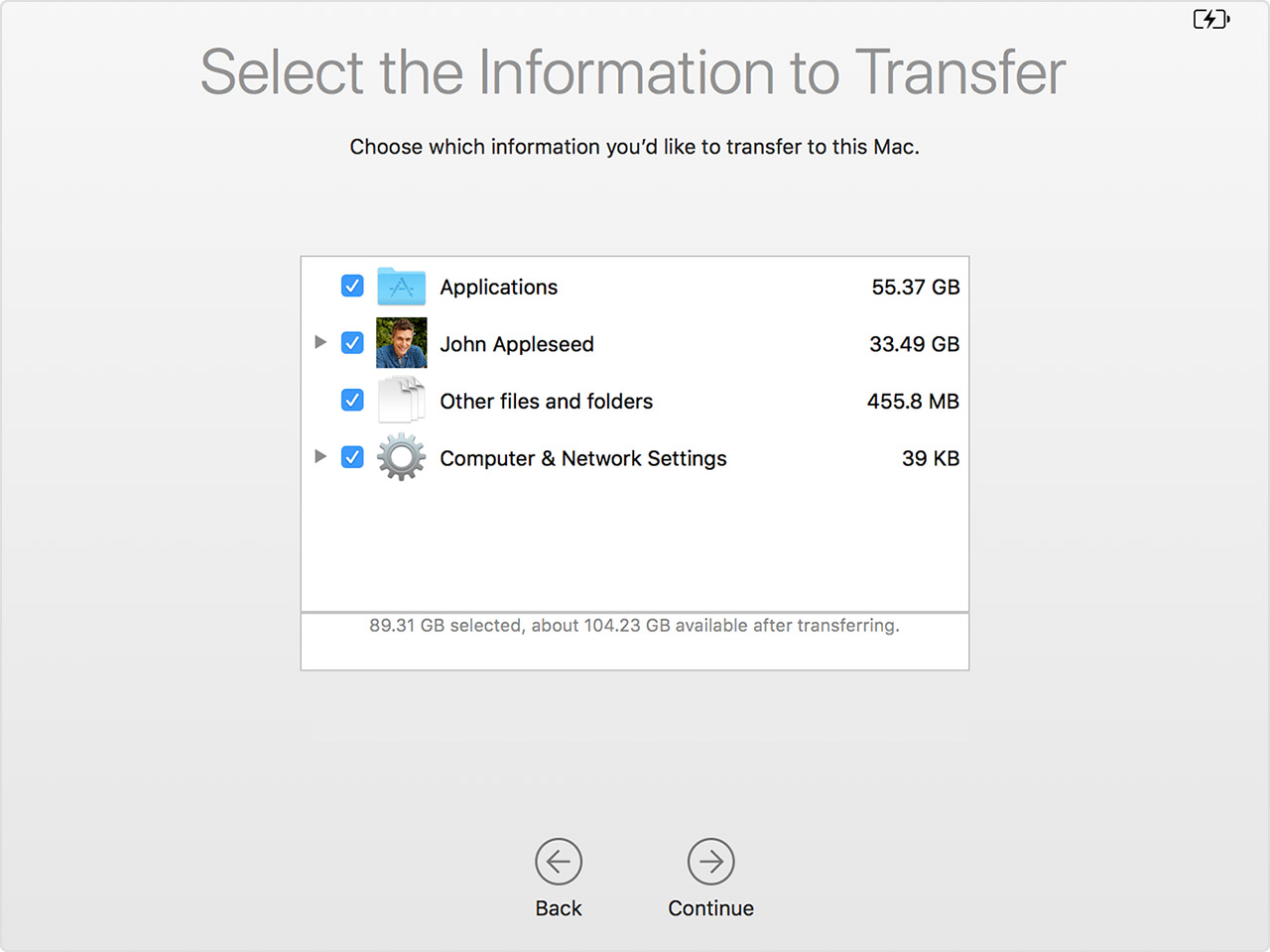
I'm repeatedly getting the message from migration assistant that there is not available free space on the Mac Mini. Tried a new clean install, changed the disk. Did a new full time machine. I'm always getting the same message again and again....
Time Machine can’t back up to an APFS-formatted disk. If you select a back up disk formatted as APFS, Time Machine offers to reformat it as HFS+.
0
Mark Dannau·
Imported from the Apple Support Forums via the Wayback Machine 🔗
Hello Illaas,
Thank you for your reply, but I think maybe I didn't express myself correctly because there is a misunderstanding.
I'm trying to restore my Mac Mini with migration assistant, not just transfer my backup.
mark
0
Mark Dannau·
Imported from the Apple Support Forums via the Wayback Machine 🔗
That's strange, because I have been doing this for the other 7 Mac Minis in which I also replaced the original drives with SSD drives and it worked perfectly. I actually restored another drive with backup from this same apfs formatted drive with the time machine backups just one hour earlier.
I'll try with an hfs+ drive see if that solves the problem. Thanks Illaas.
0
lllaass·
Imported from the Apple Support Forums via the Wayback Machine 🔗