Find an unpaid bill
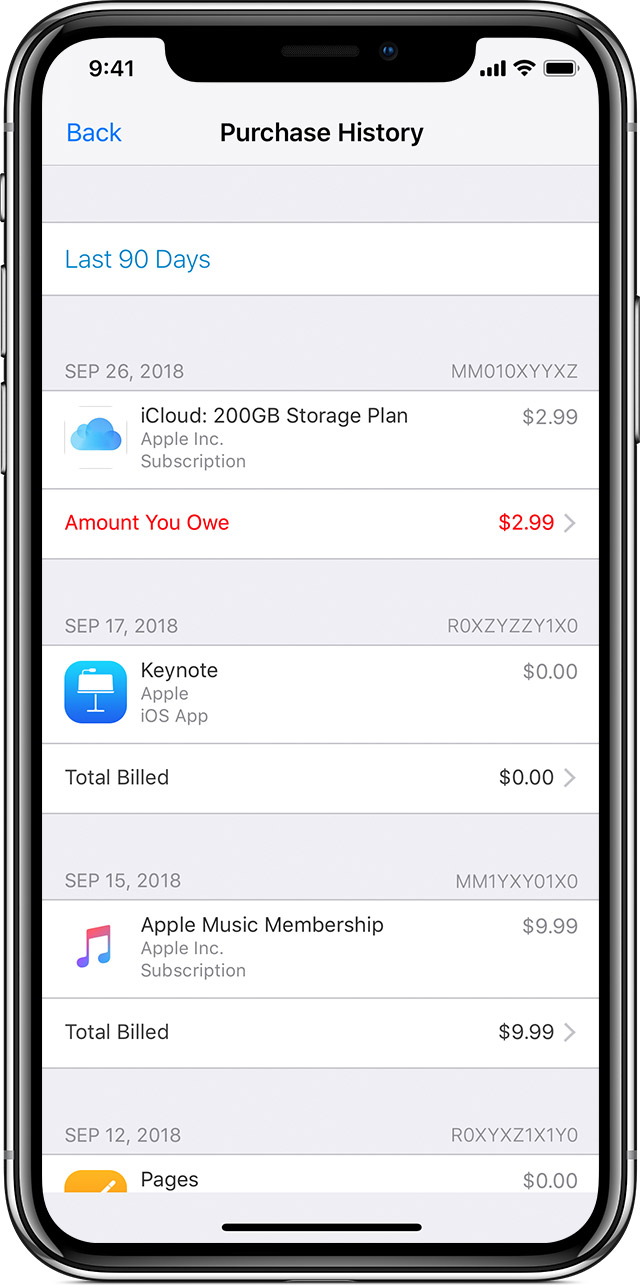
On your iOS device: Go to Settings > [your name] > iTunes & App Store, then tap your Apple ID. Tap View Apple ID and sign in with your Apple ID, then tap Purchase History. (You can also view your purchase history in the App Store or iTunes Store.)
Find the unpaid purchase, which is likely at the top of the list, and tap it, then change your payment method.
You must pay for any unpaid purchases or subscriptions before requesting a refund.
Use a different payment method
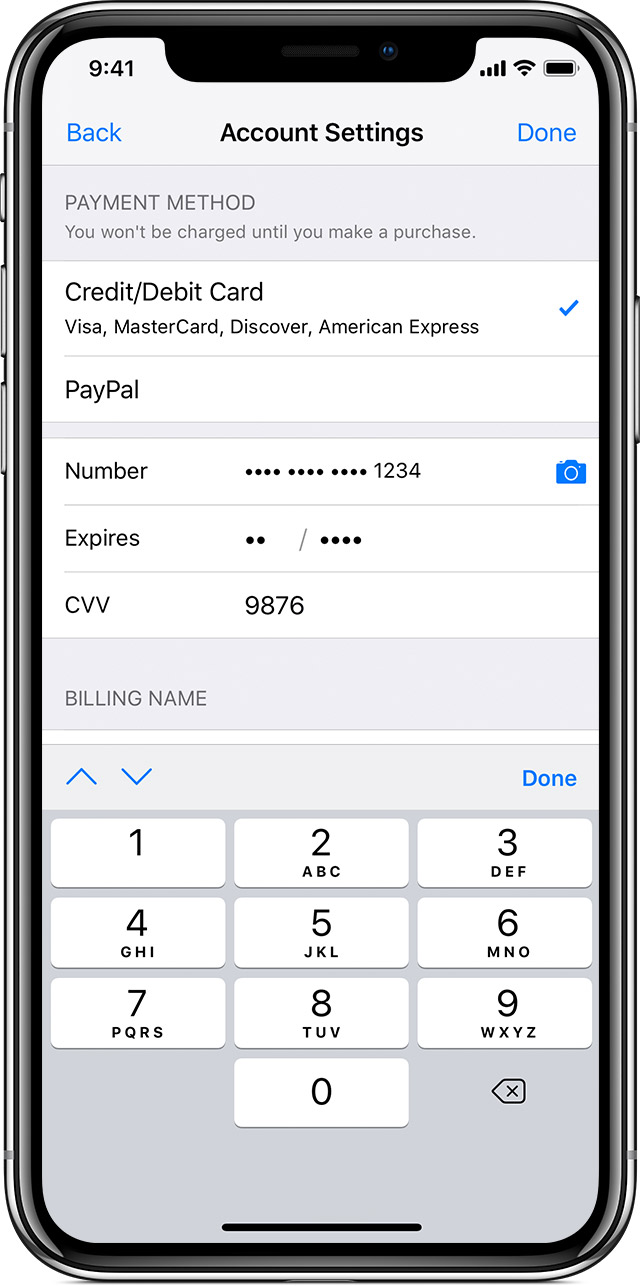
You can change your billing information in Settings on your iPhone, iPad, or iPod touch, or in iTunes on your Mac or PC. Use a valid payment method in your country or region with money available on it. You can't select None when you have an unpaid balance or payment due.
After you update your billing information, the App Store or iTunes Store automatically attempts to charge any outstanding orders to your updated payment method.
You might also be able to use the same payment method as before if you need only to update your billing address, expiration date, or other card info. If you're outside of the United States, you might also need to contact your financial institution to allow international purchases.
If you can't download or update apps, or if apps get stuck - Apple Support
https://support.apple.com/en-us/HT207165
