Benches / iPhone
1
Can't sign into my iCloud
apple Verified ·
Imported from the Apple Support Forums via the Wayback Machine 🔗
Can't sign in to my iCloud
1 reply
Sign in or join Beachball Help to reply.
0
SravanKrA ·
Imported from the Apple Support Forums via the Wayback Machine 🔗
Two ways:
- Sign in to iCloud.com using two-factor authentication or two-step verification
- Go to iCloud.com, then sign in using your Apple ID (the one you use with iCloud).
- Follow the onscreen instructions to verify your identity by entering a code sent to a trusted device.

iCloud: Use iCloud.com - Apple Support
https://support.apple.com/kb/PH2610
- Sign in on your iPhone, iPad, or iPod touch
Before you begin, update your device to the latest iOS.
When you use iOS 10.3 or later, you sign in to iCloud, the iTunes & App Store, iMessage, FaceTime, and your other Apple services in one place.
- Go to Settings.
- Tap Sign in to your [device].
- Enter your Apple ID and password.
- If you protect your account with two-factor authentication, enter the six-digit verification code and complete sign in.
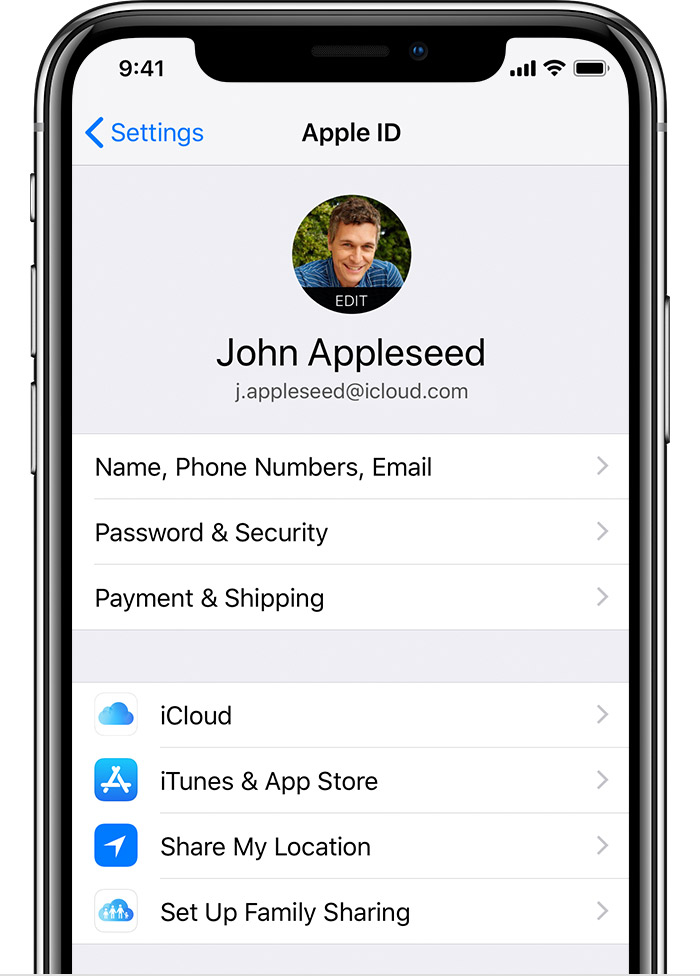
Sign in with your Apple ID - Apple Support
https://support.apple.com/en-in/HT204053
