View, change, or cancel your subscriptions
Learn how to view active, expiring, and recently ended subscriptions, and cancel subscriptions and memberships.
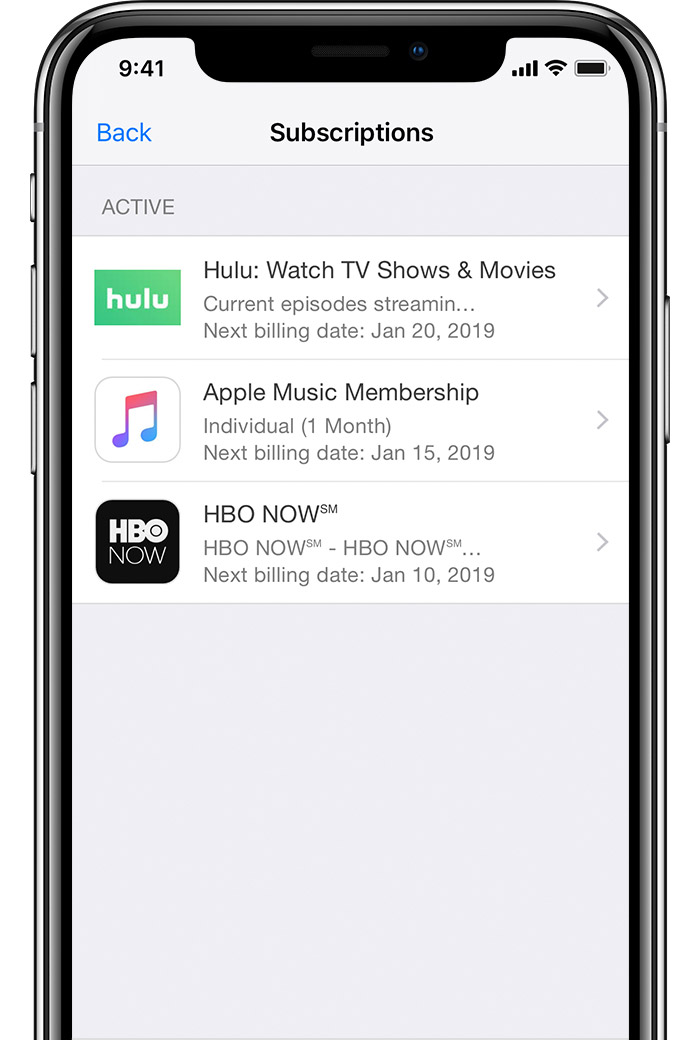
Some apps and services offer subscription-based access to their content. Unlike single item purchases (such as for game currency like gems and coins), subscriptions will automatically renew until you choose to end them.
Subscriptions that renew automatically include:
- Apple Music subscriptions
- Apple News, newspaper, and magazine subscriptions
- In-app subscriptions for content or services (HBO NOW, Spotify, Pandora, Hulu, etc.)

If you're not currently logged in with the same Apple ID that you use with the subscription that you want to manage, if you're using a different device, or if you don't see your subscription, follow the directions below.

View, change, or cancel your subscriptions - Apple Support
https://support.apple.com/en-in/HT202039
