Benches / iPhone
7
CAN’T TURN OFF THE AUTOMATICALLY DATE &am…
apple Verified ·
Imported from the Apple Support Forums via the Wayback Machine 🔗
my date & time goes wrong after update??
i can’t turn off the automatically date & time.
help me please?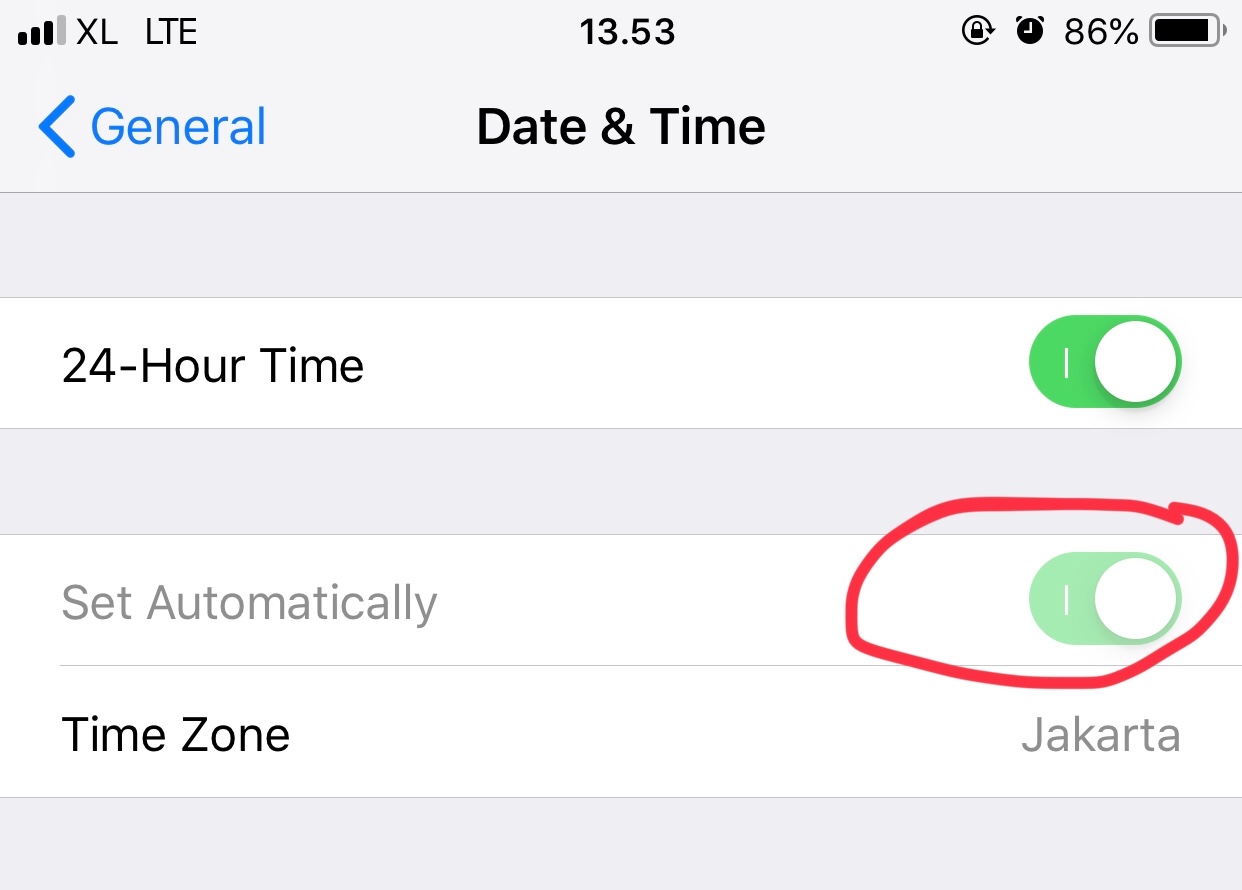
7 replies
Sign in or join Beachball Help to reply.
0
seanfromllanelli ·
Imported from the Apple Support Forums via the Wayback Machine 🔗
Go to Settings-Privacy-Location Services and Scroll to System Services and see if Setting Time Zone is toggled on.
0
JessiJR21 ·
Imported from the Apple Support Forums via the Wayback Machine 🔗
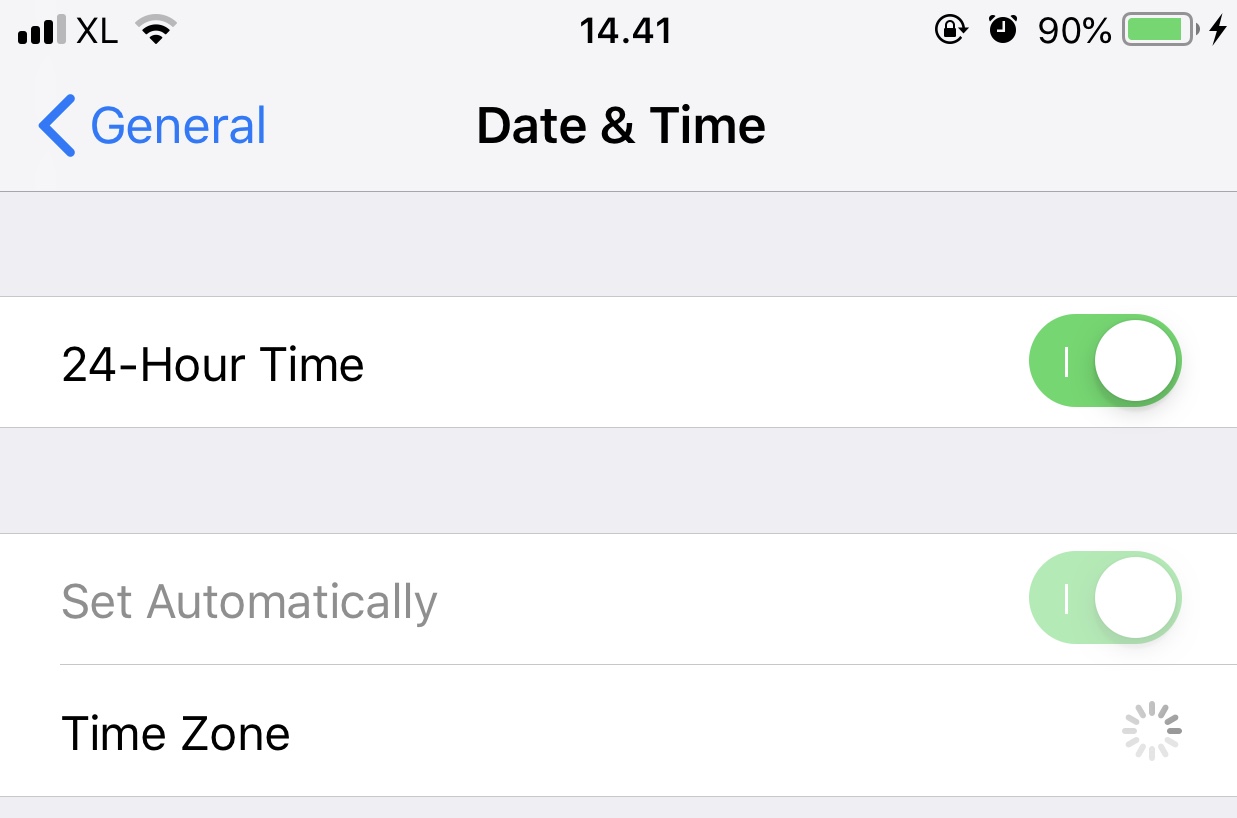
still can’t.....
0
seanfromllanelli ·
Imported from the Apple Support Forums via the Wayback Machine 🔗
Are you in the same place as your time zone says? Jakarta. If not change to where you are. Ta
0
seanfromllanelli ·
Imported from the Apple Support Forums via the Wayback Machine 🔗
The option to turn on Set Automatically might not be available with all carriers or in all countries and regions. Ta
0
SravanKrA ·
Imported from the Apple Support Forums via the Wayback Machine 🔗
This may sound weird but it will work.
Settings > Screen Time > Turn Off Screen Time Password
Come Back to Settings > General > Date & Time > Set Automatic can now be toggled off or on
If need be put the screen time On again.
0
JessiJR21 ·
Imported from the Apple Support Forums via the Wayback Machine 🔗
Yes i’m at jakarta. But i want to change the time..
i can’t change the time zone too, btw..
anyway, thanks for helping!
0
JessiJR21 ·
Imported from the Apple Support Forums via the Wayback Machine 🔗
OMG!!!! It’s WORKING!!!!

THANKS !!!!!
THANK YOU SOOOOO MUCH!!!